A plugin by Frithjof Audio Production
Demo: 14 daysRealPan
Realistic panning for stereo productions.
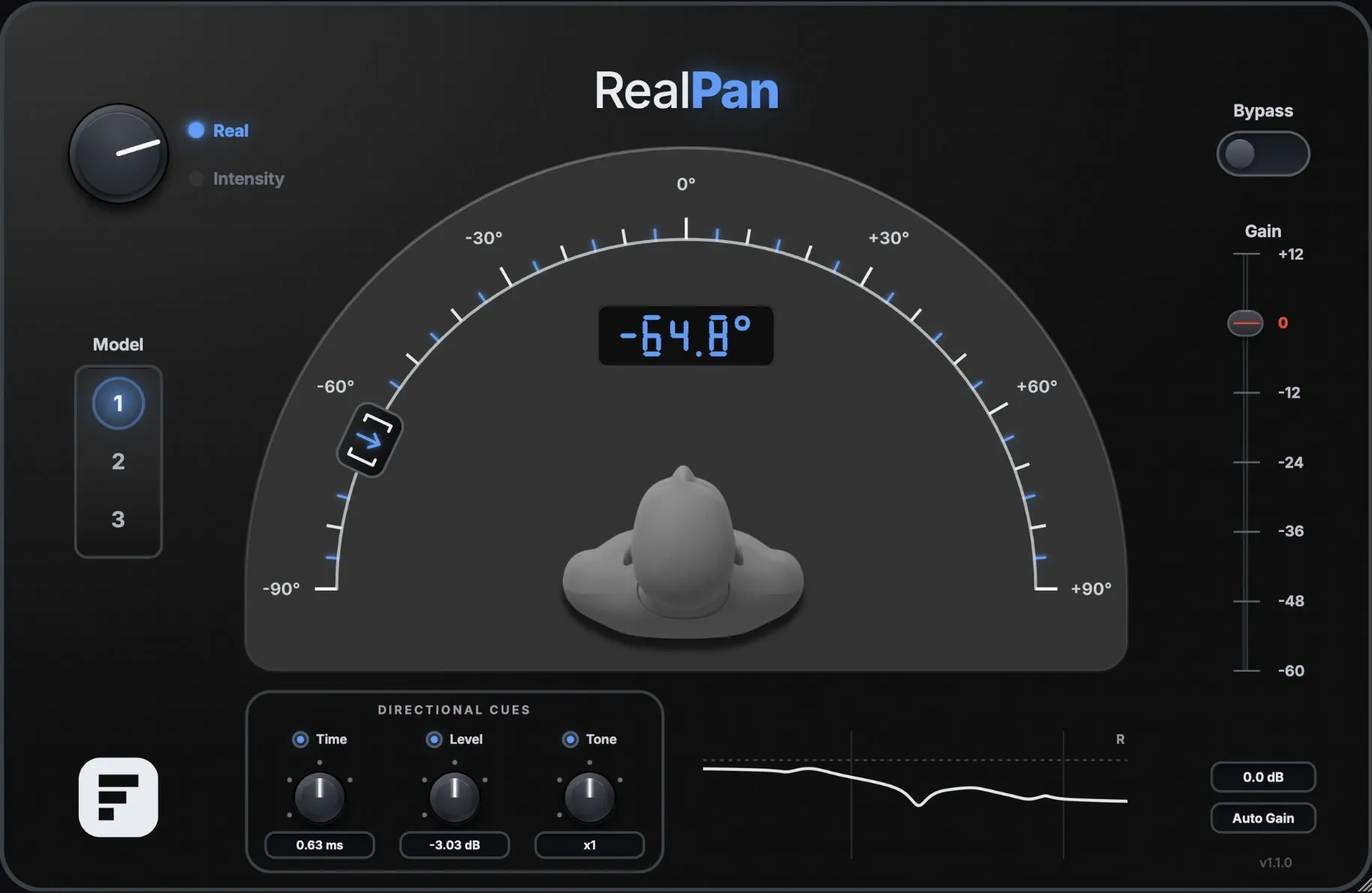
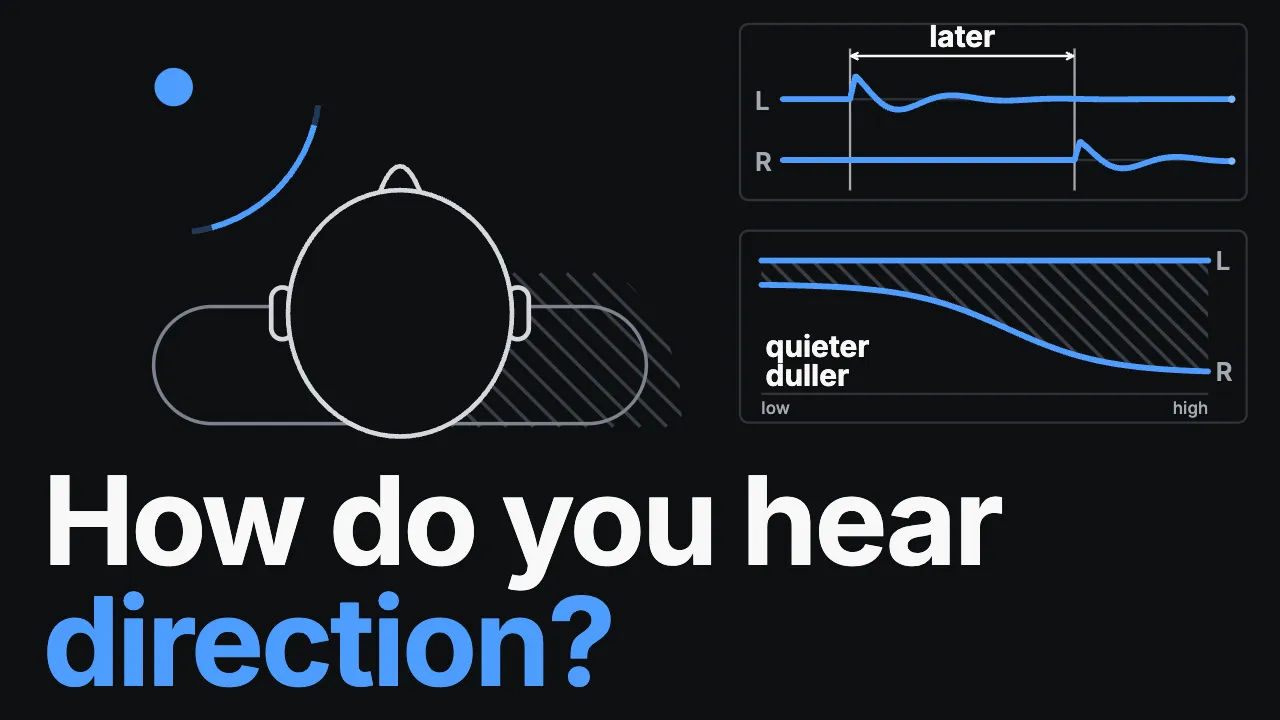
Alongside the level difference, RealPan reproduces the time difference between the ears and the frequency-dependent shadowing of the head – developed from my own measurements with a dummy head and an AB array. Sources sound more natural and more spacious. On headphones they come out of your head; over speakers they come off the cabinets.
VST3 · AU · Standalone — macOS 11+ (Apple Silicon & Intel) · Windows 10/11 — AAX on macOS · Windows coming soon
Demo
How it works
By clicking play, you agree to data transfer to YouTube.
A/B comparison
By clicking play, you agree to data transfer to YouTube.
Listen
Hear for yourself.
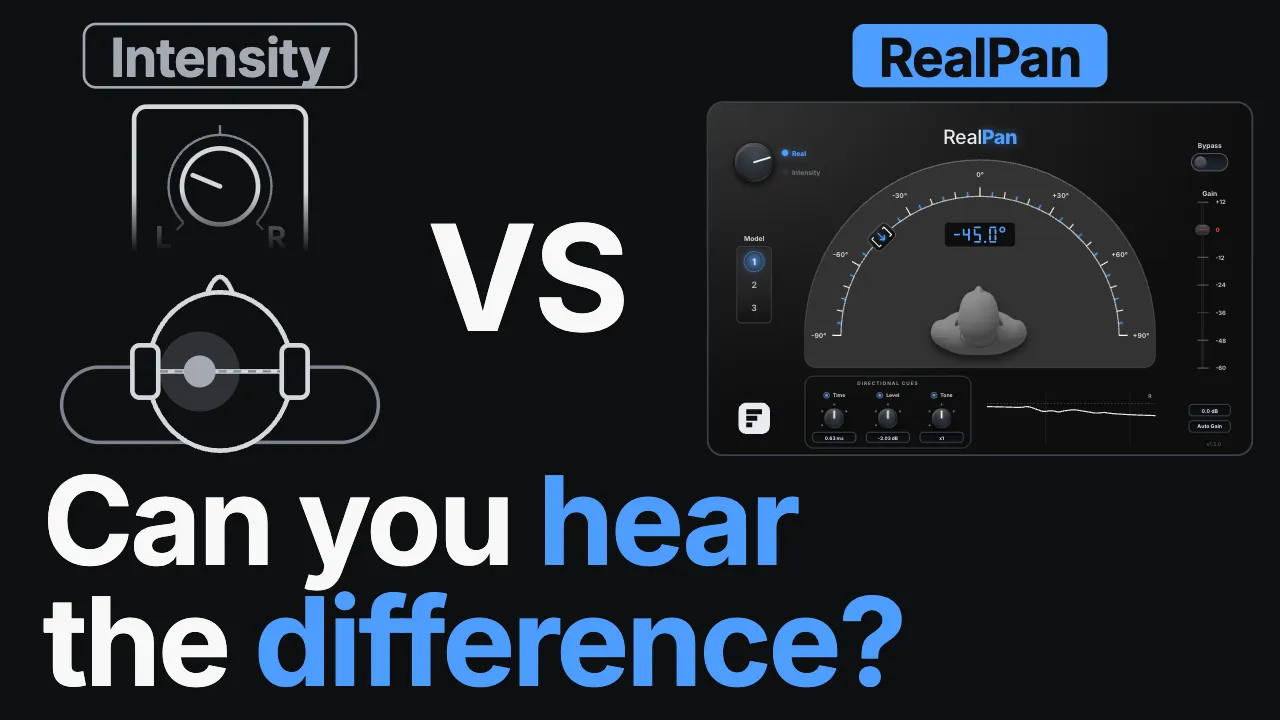
Choose an example and switch between standard panning and RealPan while it plays. Notice how the source steps out of your head on headphones. On speakers, it detaches from the cabinets and gains depth in the room.
Listen on headphones or stereo speakers.
RealPan uses time, level and tone differences as in natural hearing (ITD & ILD).
- Drums
- Guitar
- Shaker
- Vocals
- Band mix
Both versions loudness-matched (EBU R128, within 0.1 dB)
Space: play/stop · A/B or ←/→: switch
The measurements
From measurement to model.
Based on my own measurements with two microphone systems: 19 angles from 0° to 90° in 5° steps, captured via dual-channel FFT under identical conditions.
Neumann KU100 dummy head and an AB array of two Isemcon EMX-7150 spaced 17.5 cm apart.
Delay calculated from the measurement data; level difference and filter cascade of the far side fitted to the measured curves.
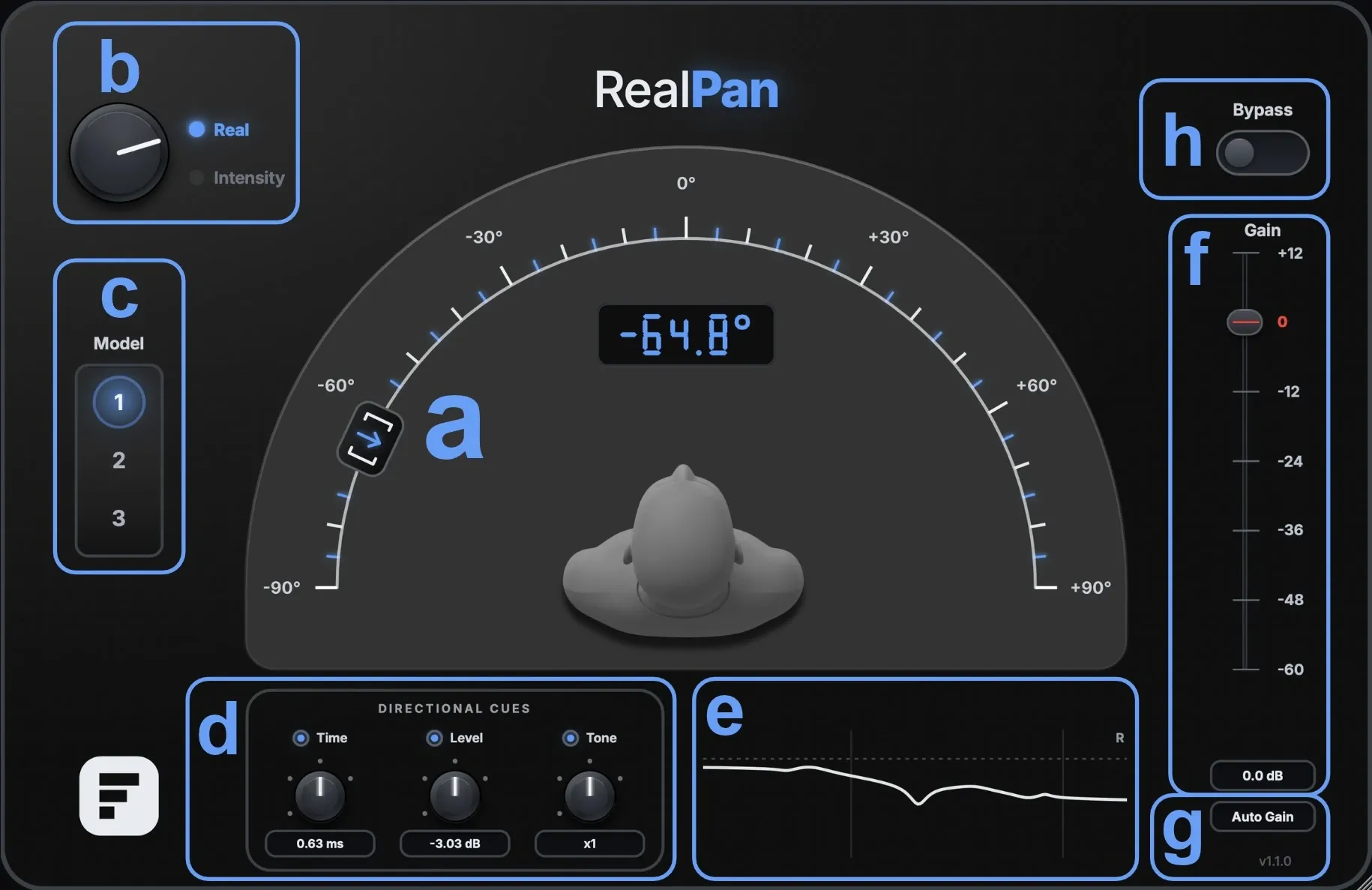
Three models with different measurement bases and filtering – switchable in the plugin.
Every model works on headphones and on speakers. The effect is most obvious on headphones.
Controls
Complex mechanisms, simple to use.
Time, Level and Tone can be switched separately and scaled from 0 to 150 %. That way you hear which cue carries your material – and how much of it you actually need.
Listening test
In direct comparison with standard panning.
Blind test with 12 audio professionals: this is how RealPan performed against standard panning.
Several participants described RealPan as wider and more spacious – often as if the source were in the same room rather than on the speakers.
Values rounded, only clear decisions counted. RealPan grew out of my bachelor's thesis in Sound, Music & Production at Hochschule Darmstadt, graded 1.0 (the top grade in the German system).
Good to know
Before you start
Mono tracks
RealPan needs two channels. Switch a mono track to dual mono or stereo before you insert it – otherwise you hear the sound change, but no panning. The plugin will tell you when this happens.
Mono compatibility
The delay causes comb filtering in a mono sum. Check your mix in mono and turn the Time control down if you need to – most of the spatial impression survives.
Try RealPan for 14 days.
Sign up, confirm your email address, and your demo license arrives right away by email – with download links and instructions.
You get
Almost there – check your inbox.
I sent you an email. Click the link in it and you will get your demo license right away. The link is valid for 48 hours.
No email? Check your spam folder or write to me at hallo@frithjof-dyck.de.
Documentation
Guides to read up on.
Specs
Everything at a glance.
- Formats
- VST3, AU (macOS), AAX (macOS), and Standalone
- Systems
- macOS 11 or later (Universal Binary) · Windows 10/11, 64-bit
- Channels
- Mono→Stereo, Stereo→Stereo. Mono outputs are accepted, but the effect needs two channels.
- Sample rates
- 44.1 / 48 / 96 / 192 kHz
- Latency
- Reported to the DAW and compensated there
- Automation
- All parameters except Auto Gain
- Pro Tools
- AAX is available on macOS. The Windows version will follow once code signing is in place.